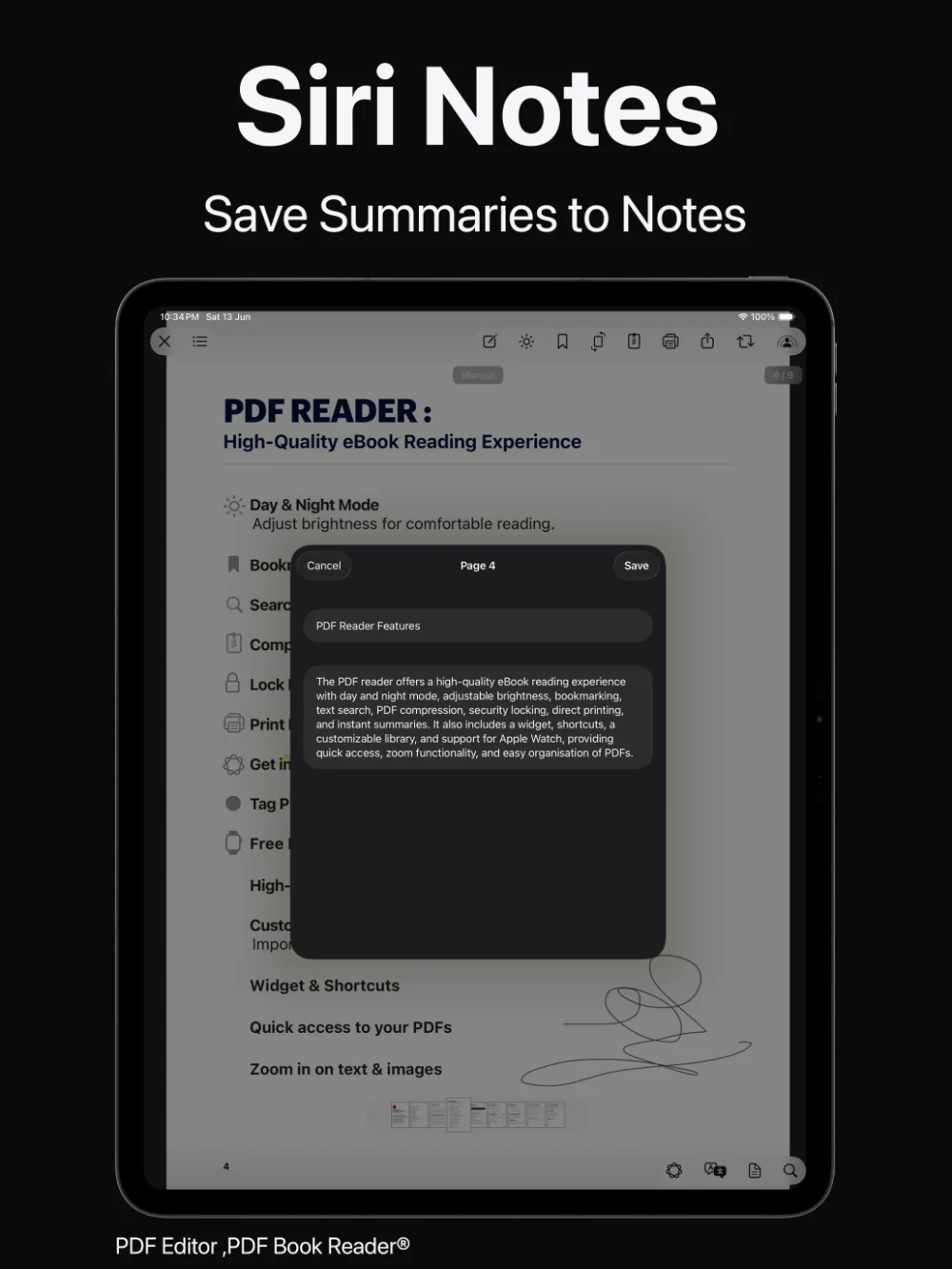
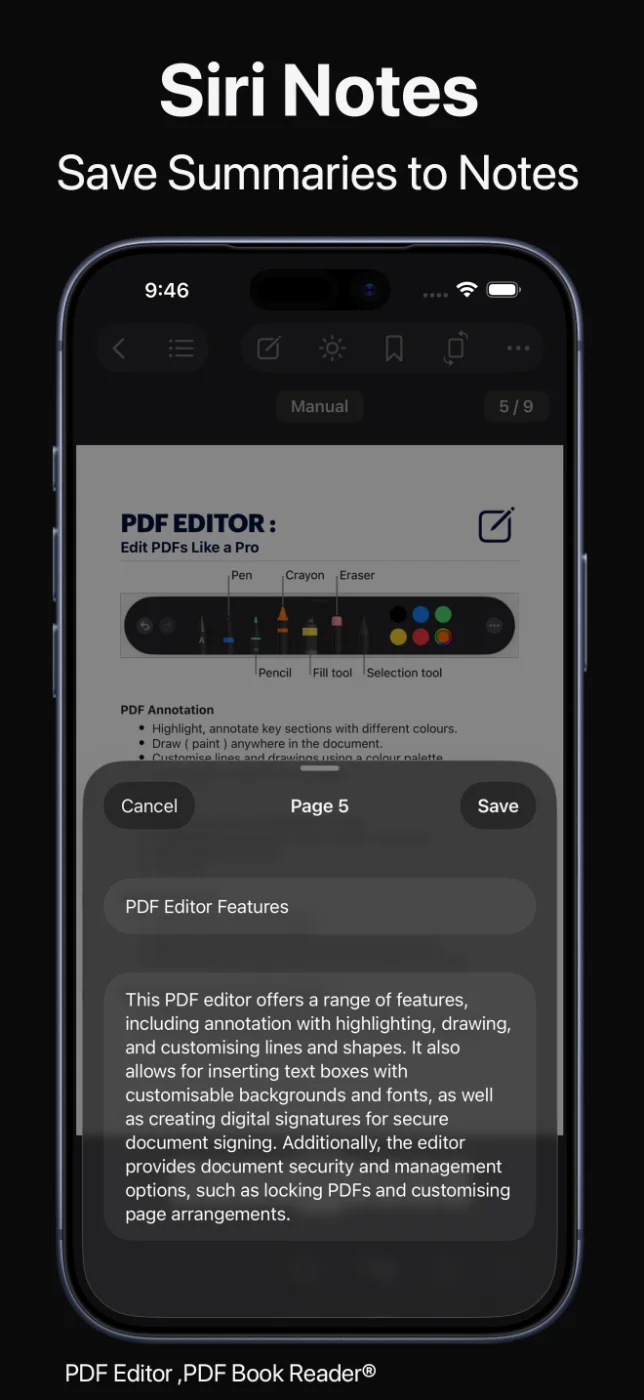
Ask Siri to open a PDF by its title, search for documents in the app, or summarize a PDF.
Summaries use Apple Intelligence on supported devices.

Siri & Shortcuts
Ask Siri to open a PDF by its title, search your documents, or summarize a PDF. Use Shortcuts to import files, load PDFs from the camera or iCloud, download a PDF from a link, open documents, and rotate pages.
Widgets and Spotlight bring your documents even closer.
Last updated November 2026.
Siri
Ask Siri to open a PDF by its title, search for documents in the app, or summarize a PDF.
Summaries use Apple Intelligence on supported devices.
Your documents, a sentence away.
Shortcuts
Shortcuts actions can add a PDF, import from Files, load PDFs from the camera or iCloud, download a PDF from a link, open documents, and rotate pages.
Combine them with other apps’ actions to build workflows that save you steps every day.
Do it once. Run it every time.
Widgets and Spotlight
The Continue Reading widget shows your current PDF and page with a Read Aloud button, and a reading streak calendar widget tracks your reading habit.
Spotlight can find your PDFs by their description, right from search on your device.
Quick access, without hunting for files.
How it works
Download PDF Editor, PDF Book Reader® from the App Store.
Ask Siri to open, search, or summarize a PDF in the app.
In the Shortcuts app, add the app’s actions to a new shortcut.
Place the Continue Reading or reading streak widget on your Home Screen.
Available tools can vary by device and app version.
FAQ
Quick answers about Siri, Shortcuts, and widgets in PDF Editor, PDF Book Reader®.
You can ask Siri to open a PDF by its title, search documents in the app, or summarize a PDF.
Actions include importing files, loading PDFs from the camera or iCloud, downloading a PDF from a link, opening documents, and rotating pages.
Yes. Summaries use Apple Intelligence and are available on supported devices where Apple Intelligence is enabled.
Yes. The Continue Reading widget shows your current PDF and page with a Read Aloud button, and a reading streak calendar widget tracks your reading.
Yes. Spotlight can find documents by their description.
The app is free to download from the App Store and offers optional in-app purchases: monthly, quarterly, or yearly subscriptions, or a one-time Lifetime purchase. Some features may require a subscription or the Lifetime purchase, and one purchase unlocks the app across your Apple devices.
PDF Editor, PDF Book Reader®
Siri, Shortcuts, widgets, and Spotlight bring your documents closer.
