
Features
Everything you can do with your PDFs.
PDF Editor, PDF Book Reader® is a PDF editor, reader, scanner, and converter for Apple devices. Edit and annotate PDFs, fill and sign forms, scan documents with OCR, convert files, listen with Read Aloud, and keep your Library organized — on iPhone, iPad, Mac, Apple Watch, and Apple Vision Pro.
Built for Apple platforms, with no account required.
Last updated November 2026.
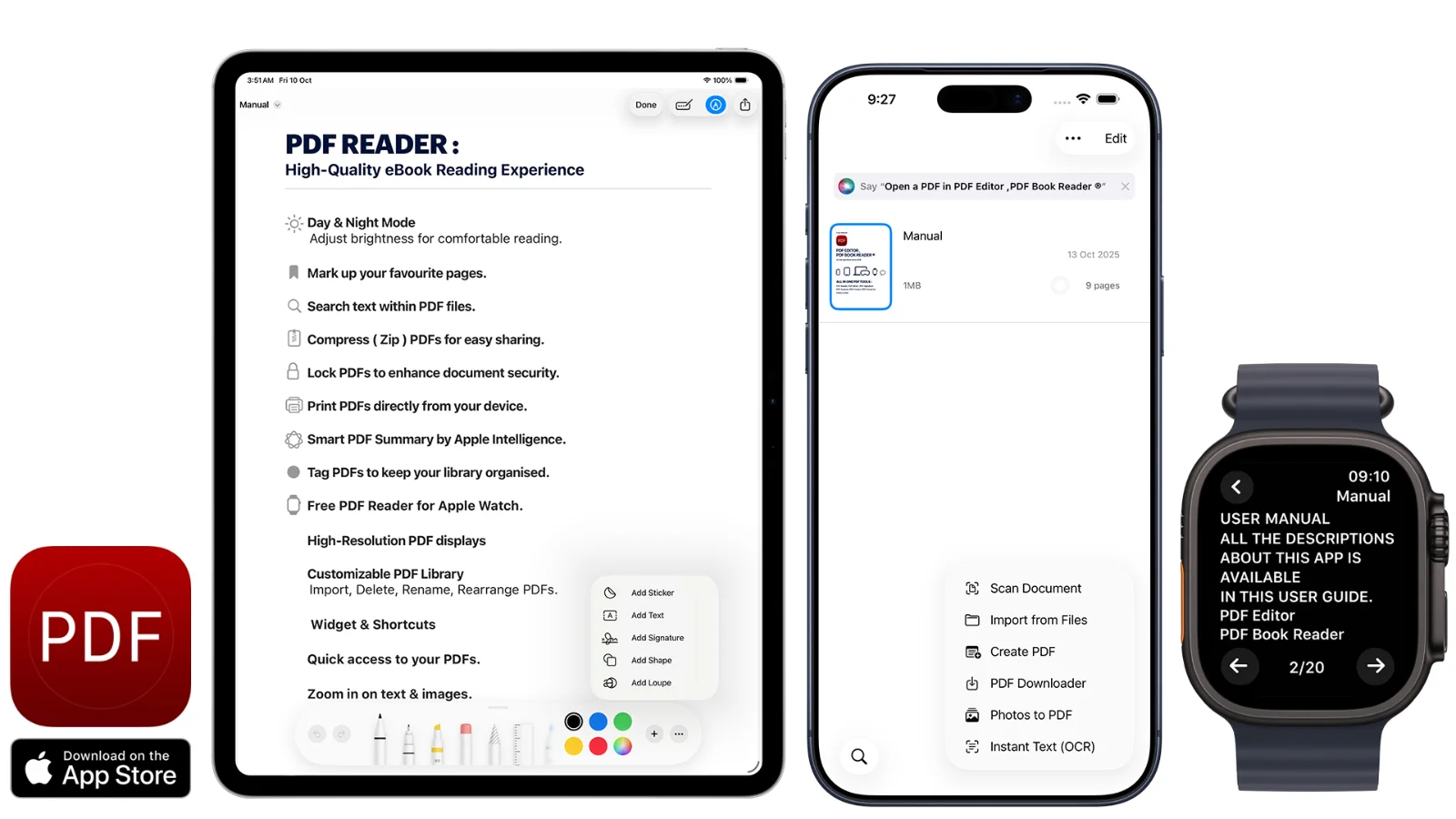
- Devices
- iPhone, iPad, Mac, Apple Watch, Apple Vision Pro
- Requires
- iOS / iPadOS 17, macOS 14.4, watchOS 10.2, visionOS 1.0 or later
- Price
- Free to download. Optional subscriptions or a one-time Lifetime purchase.
- Privacy
- “Data Not Collected” on the App Store. No account required.
FAQ
PDF Editor, PDF Book Reader®: common questions.
Quick answers about devices, languages, pricing, and privacy.
What is PDF Editor, PDF Book Reader®?
PDF Editor, PDF Book Reader® is an app by Milad Fakhr for reading, editing, annotating, signing, scanning, converting, and organizing PDFs on Apple devices. It has been on the App Store since 2018.
Which devices does it work on?
It works on iPhone and iPad (iOS and iPadOS 17 or later), Mac (macOS 14.4 or later), Apple Watch (watchOS 10.2 or later), and Apple Vision Pro (visionOS 1.0 or later). It also has an iMessage app, widgets, and — from version 17.4 — CarPlay support for Read Aloud.
Which languages does the app support?
The app is available in 19 languages: English, Arabic, Danish, Dutch, Finnish, French, German, Italian, Japanese, Korean, Norwegian Bokmål, Portuguese, Russian, Simplified Chinese, Spanish, Swedish, Thai, Traditional Chinese, and Turkish.
Do I need an account?
No. You can use the app without creating an account.
Can schools and businesses deploy the app?
Yes. PDF Editor, PDF Book Reader® supports free deployment for schools and organizations through Apple School Manager and Apple Business Manager.
Are my documents uploaded to a server?
No. The App Store privacy label for PDF Editor, PDF Book Reader® is “Data Not Collected”, and no account is required. Your documents stay on your device, or in your own iCloud if you choose to sync them.
Is PDF Editor, PDF Book Reader® free?
The app is free to download from the App Store and offers optional in-app purchases: monthly, quarterly, or yearly subscriptions, or a one-time Lifetime purchase. Some features may require a subscription or the Lifetime purchase, and one purchase unlocks the app across your Apple devices.

PDF Editor, PDF Book Reader®
Your PDFs. Across the Apple devices you use every day.
Read, edit, annotate, sign, scan, convert, and organize documents across iPhone, iPad, Mac, Apple Watch, and Apple Vision Pro.