Read PDFs in a spatial environment designed for Apple Vision Pro, with the space to focus on the document in front of you.
Books, manuals, and long reports become comfortable to read without the limits of a single screen.

Apple Vision Pro
PDF Editor, PDF Book Reader® is among the early document apps designed specifically for Apple Vision Pro, with document workflows optimized for spatial reading, focused environments, and continuity with your other Apple devices.
Requires visionOS 1.0 or later.
Last updated November 2026.
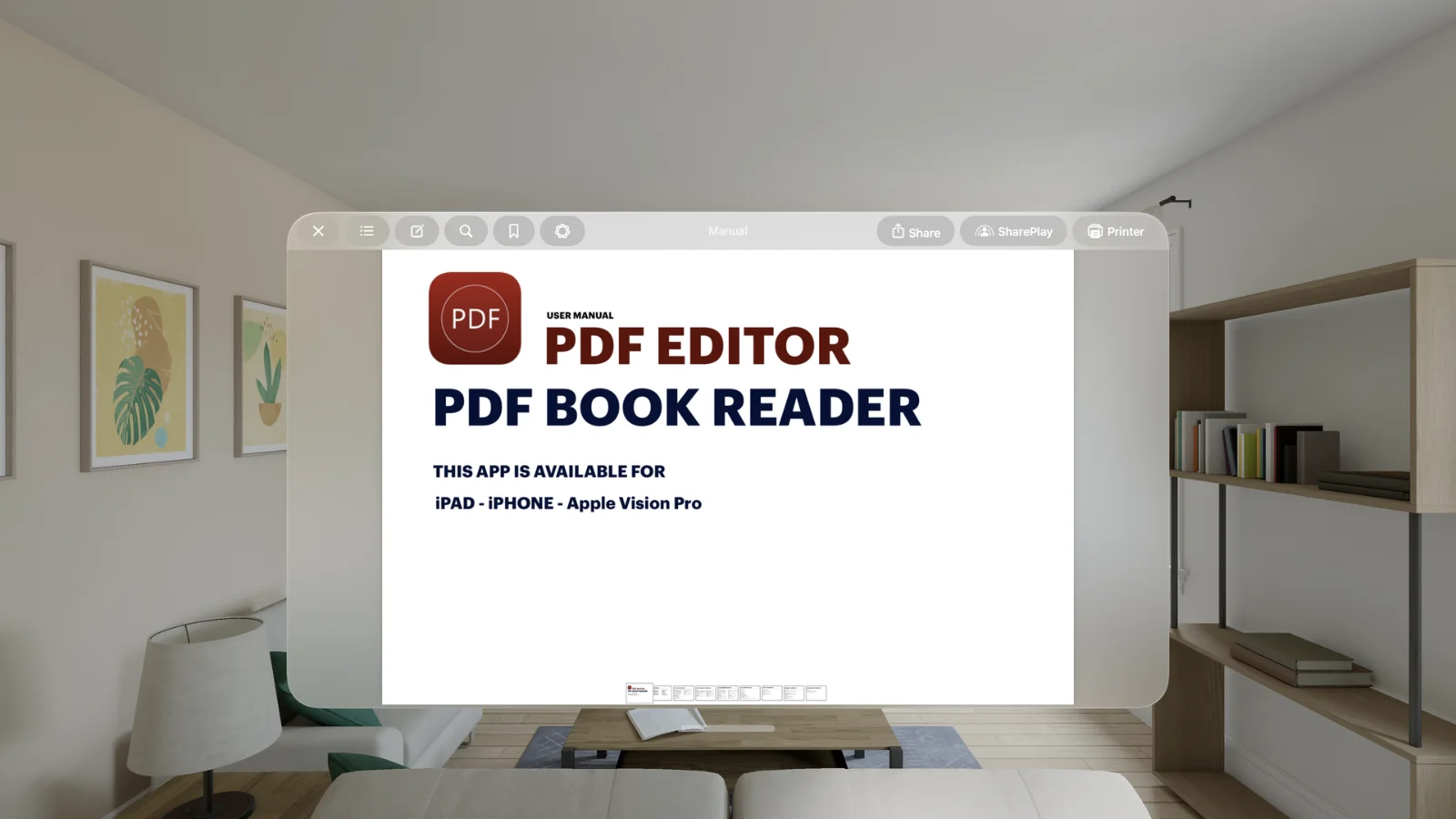
Spatial reading
Read PDFs in a spatial environment designed for Apple Vision Pro, with the space to focus on the document in front of you.
Books, manuals, and long reports become comfortable to read without the limits of a single screen.
Your document, wherever you place it.
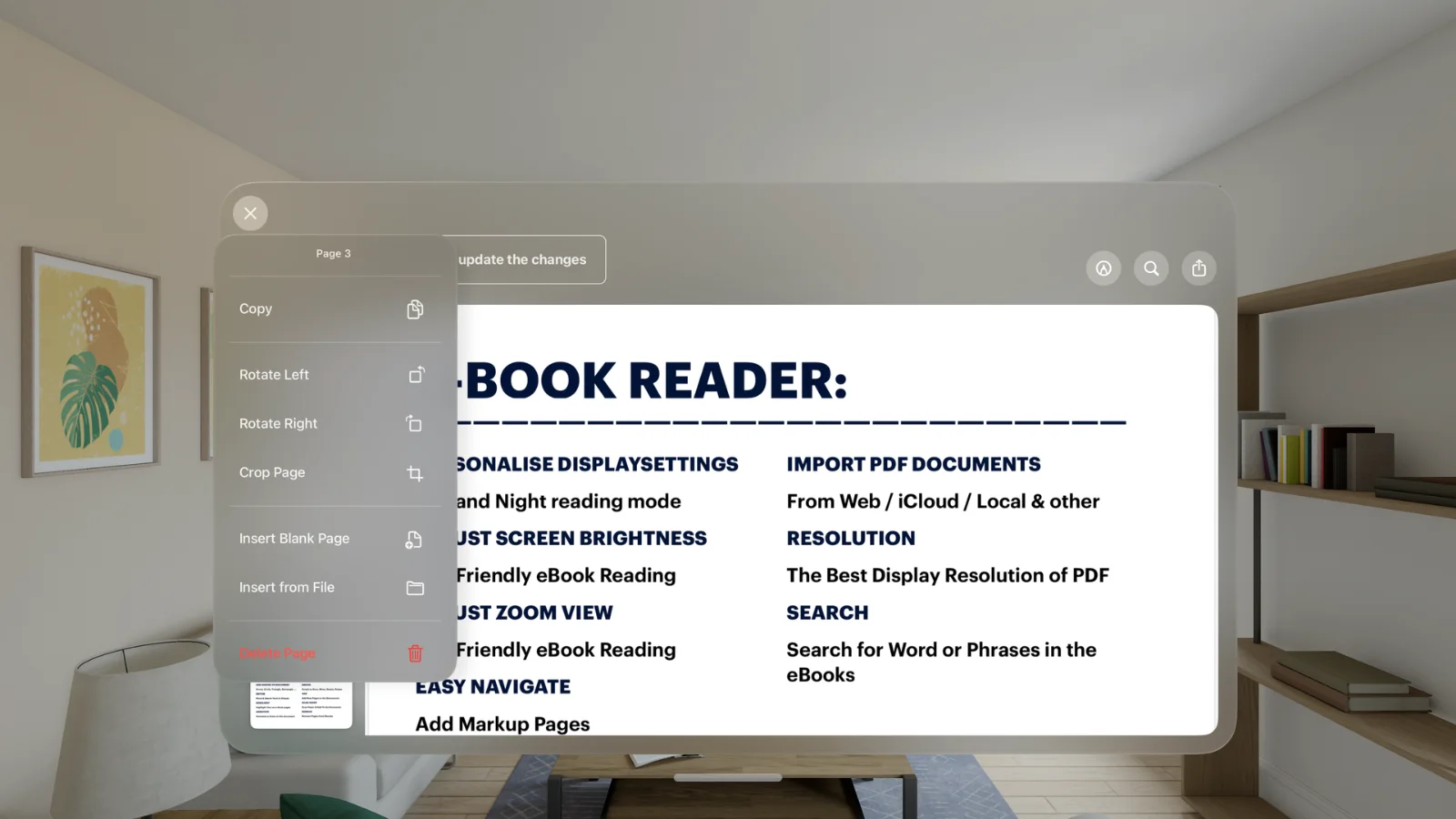
Focus
Focused environments help you concentrate on reading and reviewing documents.
Apple Intelligence features, where available, help you understand and organize documents on Apple Vision Pro too.
Less distraction. More understanding.
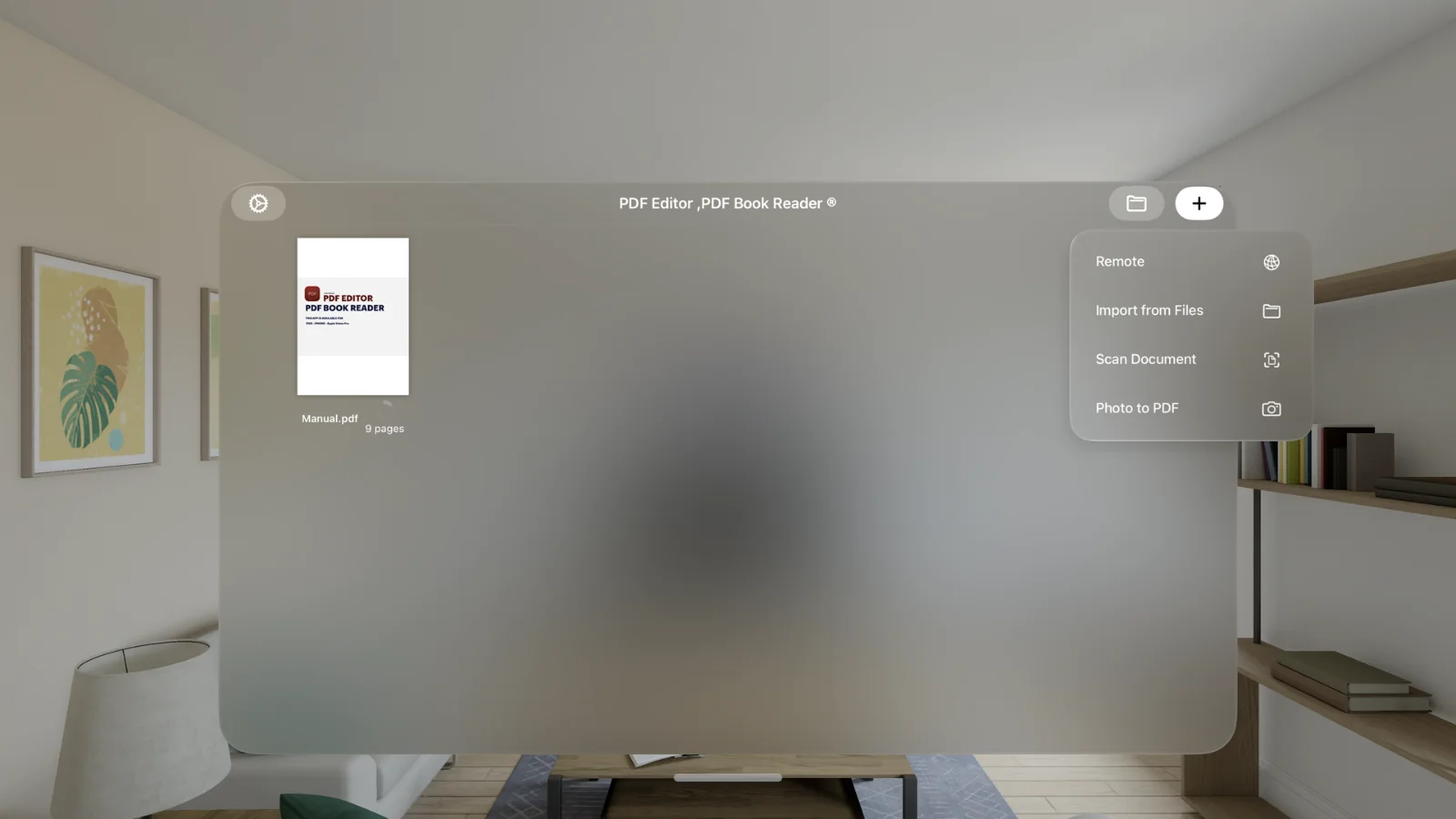
Continuity
iCloud keeps your Library in sync, so documents you scanned on iPhone or annotated on iPad are ready on Apple Vision Pro.
One purchase unlocks the app across your Apple devices.
Start anywhere. Continue in space.
How it works
Download PDF Editor, PDF Book Reader® from the App Store on Apple Vision Pro.
Your iCloud-synced PDFs are ready to open.
Place your document where it is comfortable to read.
Pick up the same document later on iPhone, iPad, or Mac.
Available tools can vary by device and app version.
FAQ
Quick answers about Apple Vision Pro in PDF Editor, PDF Book Reader®.
Yes. It is designed for Apple Vision Pro and requires visionOS 1.0 or later.
Yes. iCloud keeps your Library in sync across your Apple devices, including Apple Vision Pro.
Apple Intelligence features are available on supported devices, including Apple Vision Pro, where Apple Intelligence is enabled and available.
The app is free to download from the App Store and offers optional in-app purchases: monthly, quarterly, or yearly subscriptions, or a one-time Lifetime purchase. Some features may require a subscription or the Lifetime purchase, and one purchase unlocks the app across your Apple devices.
PDF Editor, PDF Book Reader®
Read and work with PDFs on Apple Vision Pro, in sync with your other Apple devices.
