Scan a document on iPhone, annotate it on iPad, and finish it on Mac. Your PDFs and your work on them follow you.
Edits, annotations, notes, and bookmarks appear across your signed-in devices.

iCloud Sync
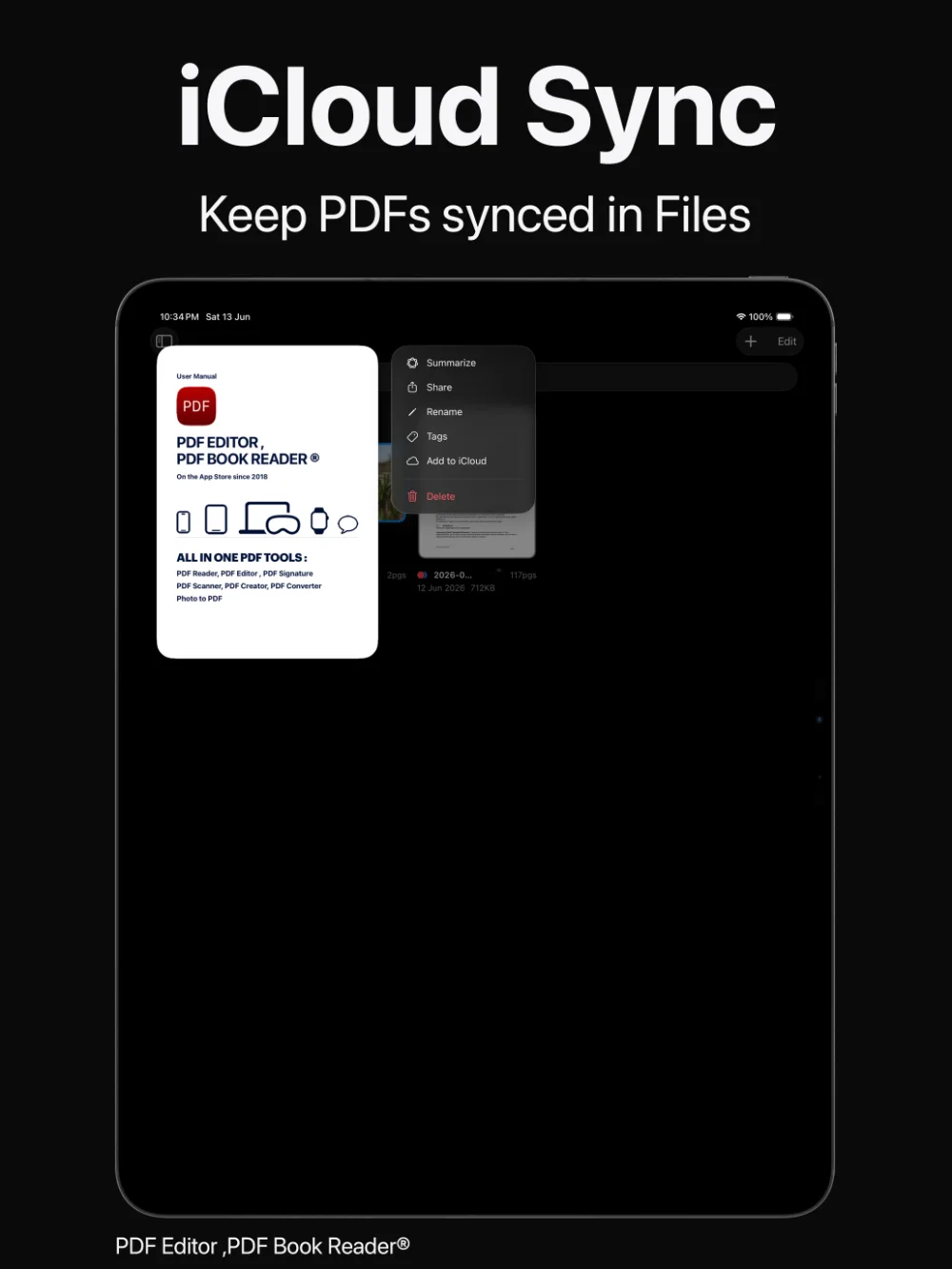
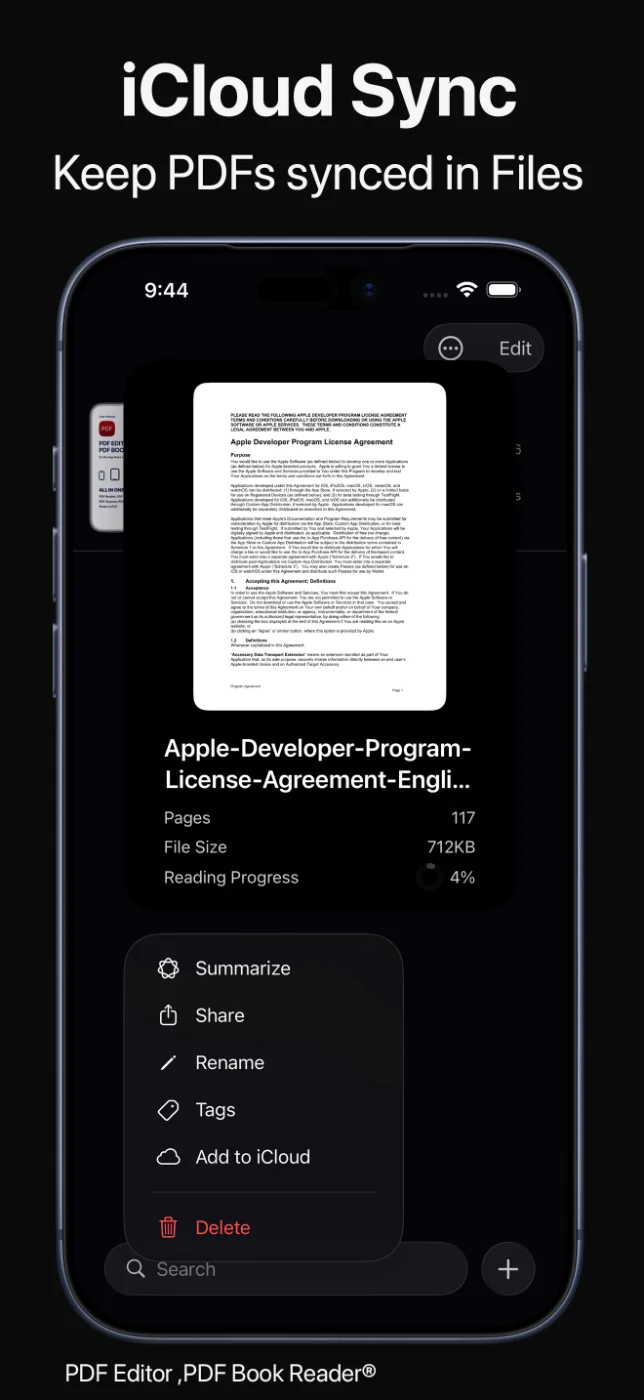
With iCloud and CloudKit, changes you make on one device — edits, annotations, notes, bookmarks, organization, and renamed PDFs — appear on your other signed-in Apple devices, so your work simply continues.
Your documents stay in your own iCloud. The app’s privacy label is “Data Not Collected”.
Last updated November 2026.
Continuity
Scan a document on iPhone, annotate it on iPad, and finish it on Mac. Your PDFs and your work on them follow you.
Edits, annotations, notes, and bookmarks appear across your signed-in devices.
Your work moves with you.
Organization
Tags, categories, and the rest of your Library organization stay in sync, so you only organize once.
Rename a PDF and its tags and bookmarks stay with it on every device.
Organized once, everywhere.
In control
Document info shows details such as page count, file size, and synchronization status.
Select several PDFs at once to upload them to iCloud in a batch.
Clear status, fewer surprises.
How it works
Use the same Apple Account on your devices.
Install PDF Editor, PDF Book Reader® on each device.
Edit, annotate, add notes, bookmarks, and tags.
Your changes appear on your other signed-in devices.
Available tools can vary by device and app version.
FAQ
Quick answers about iCloud sync in PDF Editor, PDF Book Reader®.
Yes. With iCloud and CloudKit, your PDFs and the changes you make stay in sync across your signed-in Apple devices.
Edits, annotations, notes, bookmarks, organization such as tags and categories, and renamed PDFs.
Yes. When you rename a PDF, its tags and bookmarks stay with it.
Yes. Document info shows the synchronization status along with the page count and file size.
No. The App Store privacy label for PDF Editor, PDF Book Reader® is “Data Not Collected”, and no account is required. Your documents stay on your device, or in your own iCloud if you choose to sync them.
The app is free to download from the App Store and offers optional in-app purchases: monthly, quarterly, or yearly subscriptions, or a one-time Lifetime purchase. Some features may require a subscription or the Lifetime purchase, and one purchase unlocks the app across your Apple devices.
PDF Editor, PDF Book Reader®
iCloud keeps your PDFs and your work on them in sync — automatically.
