Use the built-in markup tools to edit and annotate PDFs, then add your signature where it is needed.
A larger display and a keyboard make it comfortable to work through long documents.

Mac
On Mac, you can edit, annotate, and sign PDFs with the built-in markup tools, convert PDFs to Word in one click, and read together over SharePlay — with your Library kept in sync with iPhone and iPad through iCloud.
Requires macOS 14.4 or later. Available on the Mac App Store.
Last updated November 2026.
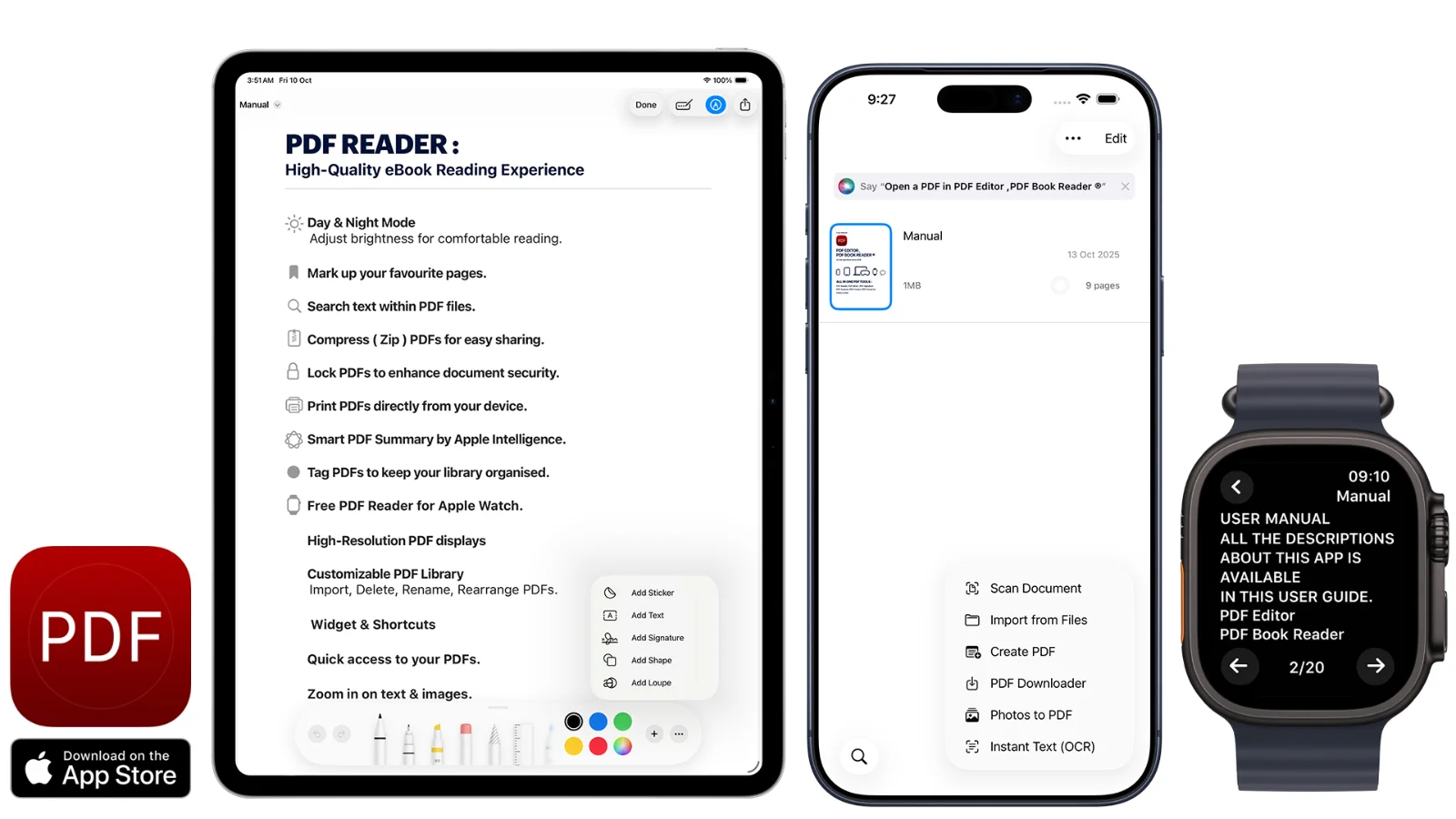
Markup tools
Use the built-in markup tools to edit and annotate PDFs, then add your signature where it is needed.
A larger display and a keyboard make it comfortable to work through long documents.
Desktop focus for your PDFs.
PDF to Word
Turn a PDF into a Word document (.docx) in one click when you need to keep editing the text.
Word export supports right-to-left languages.
From PDF to editable text, instantly.
Help in every language
A Welcome Tour introduces the app, and a fully rewritten User Guide and Help window are available in every language the app supports.
With iCloud, documents you scan on iPhone or annotate on iPad are ready to continue on your Mac.
Guided from the first launch.
How it works
Download PDF Editor, PDF Book Reader® from the Mac App Store.
Open files from Finder or your synced iCloud Library.
Annotate, sign, or convert a PDF to Word.
Share the result or read together over SharePlay.
Available tools can vary by device and app version.
FAQ
Quick answers about the Mac app in PDF Editor, PDF Book Reader®.
Yes. It is available on the Mac App Store and requires macOS 14.4 or later.
Yes. You can convert PDFs to Word (.docx) in one click.
Yes. You can edit, annotate, and sign PDFs with the built-in markup tools.
Yes. iCloud keeps your PDFs, annotations, notes, bookmarks, and organization in sync across your Apple devices.
No. According to the App Store listing, one purchase unlocks the app on all your devices.
No. The App Store privacy label for PDF Editor, PDF Book Reader® is “Data Not Collected”, and no account is required. Your documents stay on your device, or in your own iCloud if you choose to sync them.
PDF Editor, PDF Book Reader®
Edit, annotate, sign, and convert PDFs — and keep everything in sync with iPhone and iPad.
