Start SharePlay and read a PDF together with others. Pages stay synchronized, so you can discuss the content without asking “which page are you on?”.
Share pages during the session to focus the conversation on exactly what matters.

SharePlay
With SharePlay, PDF Editor, PDF Book Reader® turns a PDF into a shared workspace. Read together, review live, annotate pages, fill forms, and sign documents while everyone stays on the same page.
Made for classrooms, study groups, remote teams, and workshops.
Last updated November 2026.

Read together
Start SharePlay and read a PDF together with others. Pages stay synchronized, so you can discuss the content without asking “which page are you on?”.
Share pages during the session to focus the conversation on exactly what matters.
One document, one shared view.
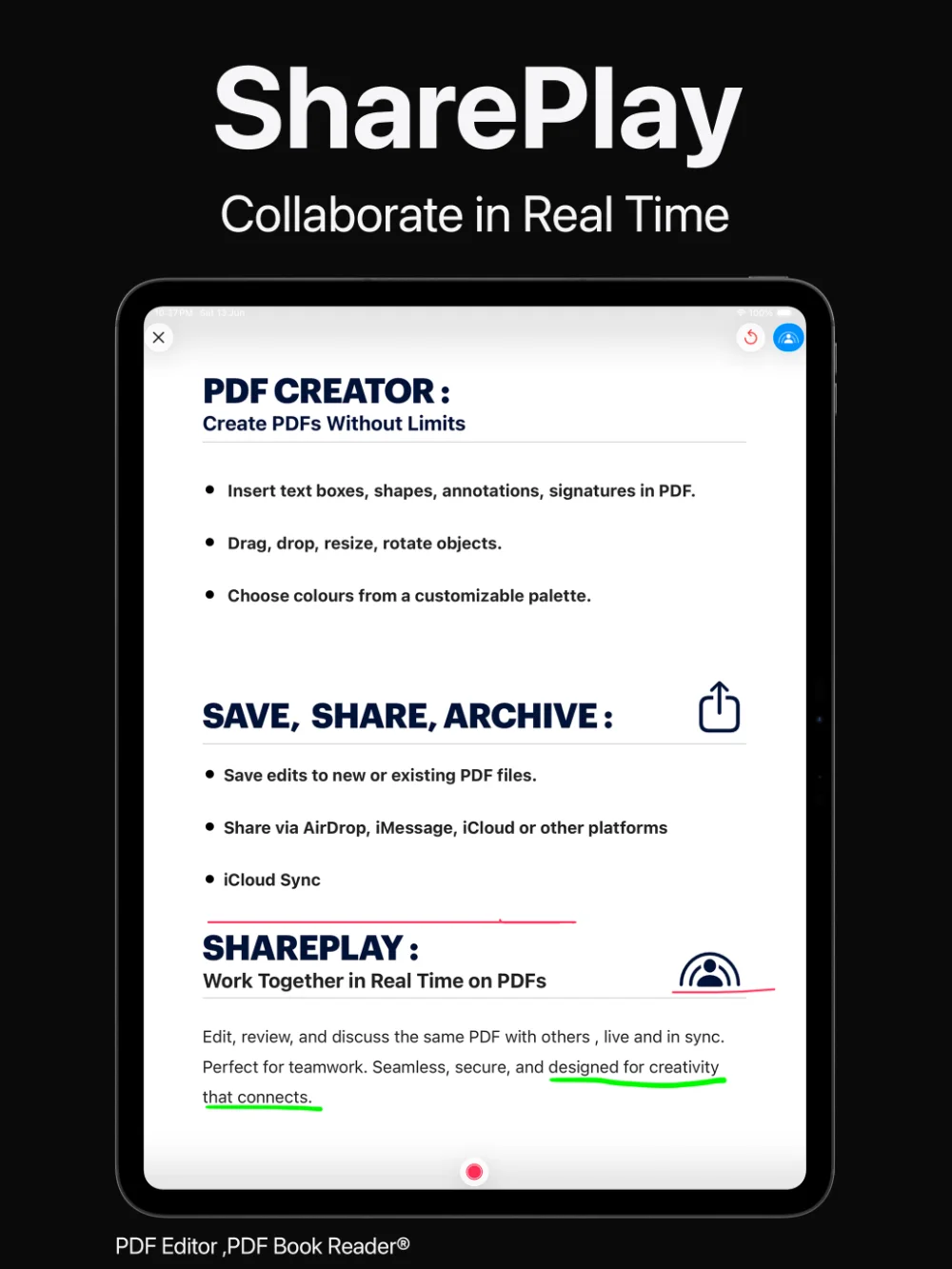
Annotate together
Review documents live and annotate pages collaboratively — highlight, comment, and draw while others see your changes.
It is a natural way to give feedback on a draft, go through a lesson, or prepare for a meeting.
Feedback, right where it belongs.
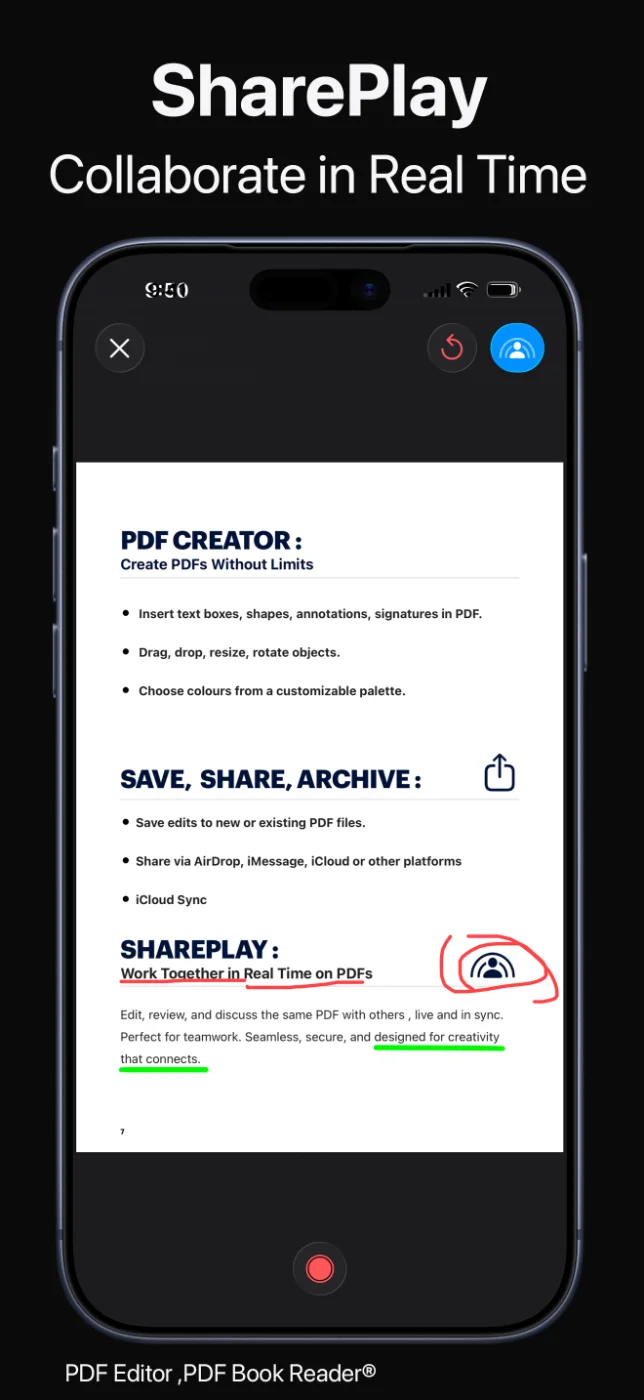
Forms and signatures
Fill in forms together and sign documents collaboratively during a SharePlay session.
Agreements and applications can be completed in one sitting, even when people are in different places.
Finish the paperwork in one session.
How it works
Open the document you want to share in PDF Editor, PDF Book Reader®.
Start a SharePlay session with the people you want to work with.
Stay on the same pages, annotate, fill forms, and sign together.
Save and share the finished PDF.
Available tools can vary by device and app version.
FAQ
Quick answers about SharePlay in PDF Editor, PDF Book Reader®.
Yes. With SharePlay you can read PDFs together, and pages stay synchronized during the session.
Yes. You can review and annotate pages collaboratively in real time.
Yes. SharePlay sessions support filling forms together and signing documents collaboratively.
Yes. You can read together over SharePlay on Mac as well as on iPhone and iPad.
It is designed for education, remote learning, teamwork, workshops, and professional reviews.
The app is free to download from the App Store and offers optional in-app purchases: monthly, quarterly, or yearly subscriptions, or a one-time Lifetime purchase. Some features may require a subscription or the Lifetime purchase, and one purchase unlocks the app across your Apple devices.
PDF Editor, PDF Book Reader®
Read, review, annotate, fill, and sign PDFs with others in real time.
