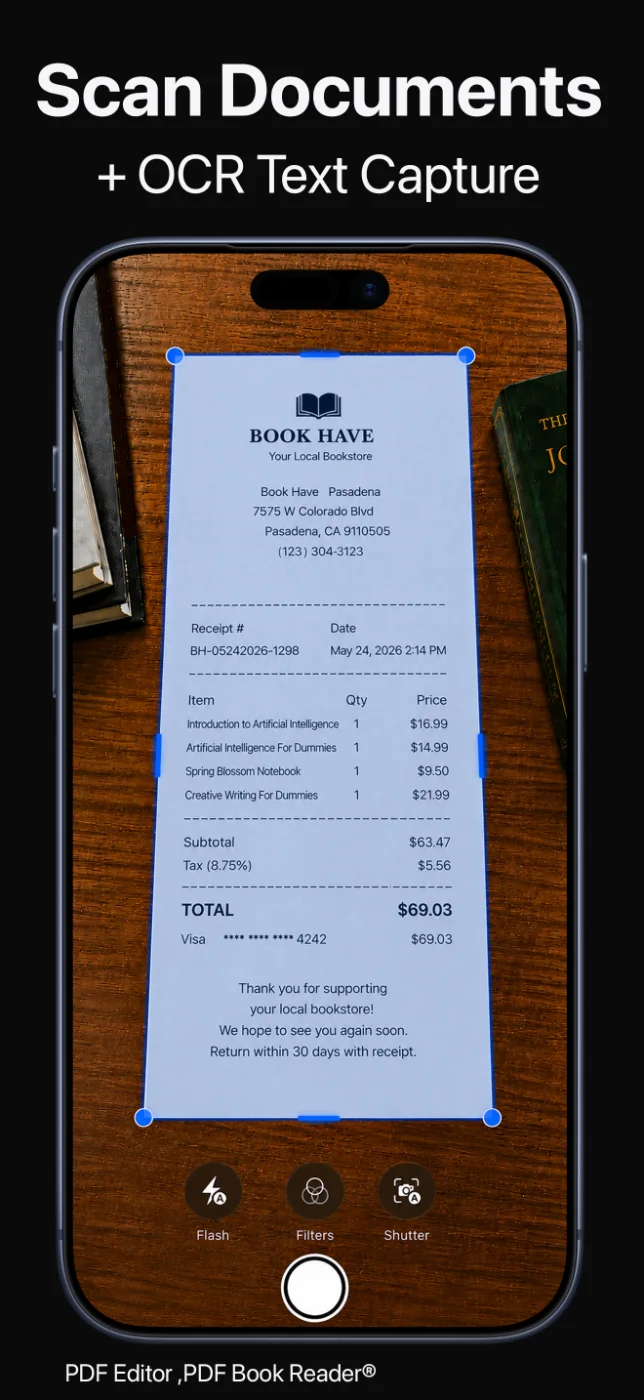
Scan lecture notes and handouts with automatic edge detection, and OCR turns them into searchable text.
Everything syncs with iCloud, so your notes are on your iPhone, iPad, and Mac.

For students
Turn notes into PDFs, let Apple Intelligence label and summarize them, filter by tags, and find anything with search. Annotate textbooks with Apple Pencil, listen with Read Aloud, and study together with SharePlay.
Schools can deploy the app for free through Apple School Manager.
Last updated November 2026.

Capture
Scan lecture notes and handouts with automatic edge detection, and OCR turns them into searchable text.
Everything syncs with iCloud, so your notes are on your iPhone, iPad, and Mac.
Never lose a page of notes again.
Apple Intelligence
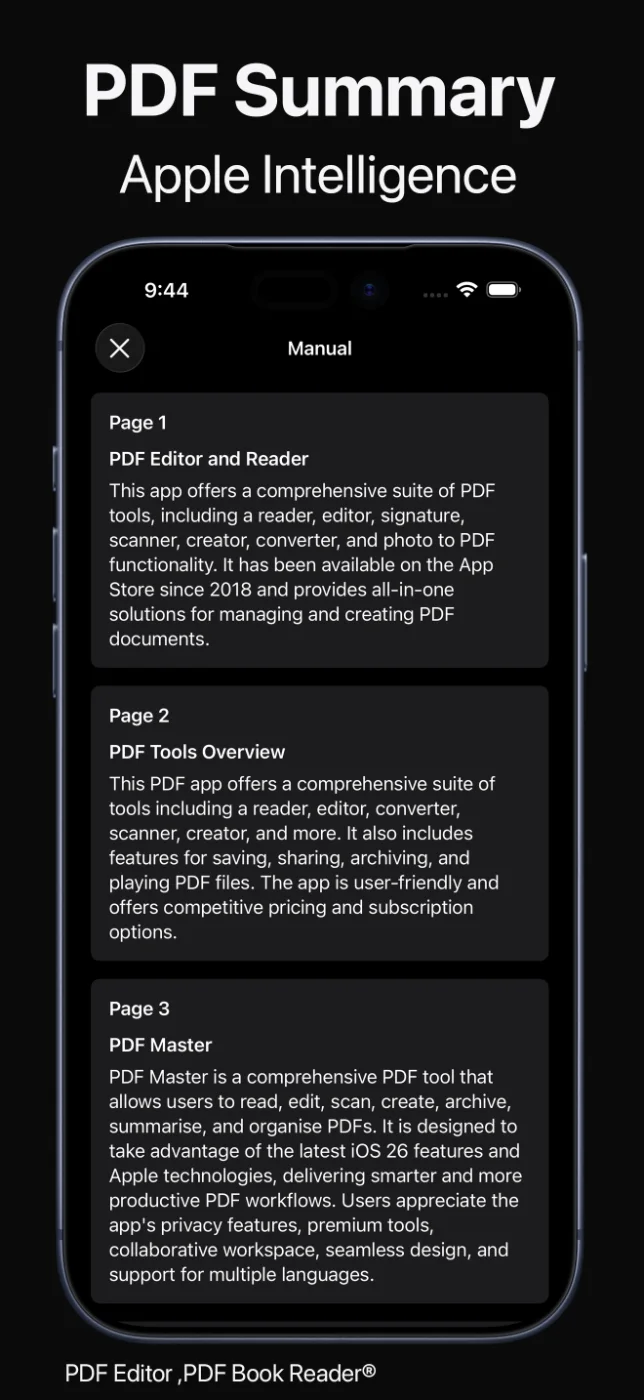
On supported devices, Apple Intelligence can give each PDF a clear title, suggest tags, sort documents into Smart Categories, and summarize a page or a whole PDF.
Filter by tags to see everything for one course, and save summaries as notes.
Spend time studying, not sorting.
Read and annotate
Read textbooks in book mode with page curl and two facing pages, highlight passages, and write in the margins with Apple Pencil.
Prefer to listen? Read Aloud reads your PDFs with natural voices.
Study the way you learn best.
Study together
Use SharePlay to read and annotate PDFs together in real time, staying on the same page as your classmates.
Fill in and sign forms for college — without printing or scanning.
Collaboration built into your PDFs.
How it works
Capture lecture notes and handouts as PDFs.
Accept suggested titles and tags, or add your own per course.
Search, summarize, highlight, and listen.
Study together with SharePlay or share PDFs with classmates.
Available tools can vary by device and app version.
FAQ
Quick answers about using the app for school and college in PDF Editor, PDF Book Reader®.
It brings together the tools students use most: scanning with OCR, Apple Intelligence summaries and tags, annotation with Apple Pencil, Read Aloud, search, and SharePlay.
Yes. Scan notes and handouts into PDFs; OCR makes the text searchable.
On supported devices, Apple Intelligence can summarize a page or a whole PDF, and you can save summaries as notes.
Yes. Schools and organizations can deploy it for free through Apple School Manager and Apple Business Manager.
No. The App Store privacy label for PDF Editor, PDF Book Reader® is “Data Not Collected”, and no account is required. Your documents stay on your device, or in your own iCloud if you choose to sync them.
The app is free to download from the App Store and offers optional in-app purchases: monthly, quarterly, or yearly subscriptions, or a one-time Lifetime purchase. Some features may require a subscription or the Lifetime purchase, and one purchase unlocks the app across your Apple devices.
PDF Editor, PDF Book Reader®
Scan, organize, read, annotate, and share — across iPhone, iPad, and Mac.
