Select photos or images and combine them into a PDF. The converter keeps your pages in the right order and orientation.
It is a quick way to put receipts, whiteboard photos, or handwritten pages into one shareable document.

PDF Converter
Turn photos, images, and web pages into PDFs, and export PDFs to Word (.docx), JPEG, PNG, HEIC, or TIFF — all inside PDF Editor, PDF Book Reader®.
Word export supports right-to-left languages.
Last updated November 2026.
Photos and images to PDF
Select photos or images and combine them into a PDF. The converter keeps your pages in the right order and orientation.
It is a quick way to put receipts, whiteboard photos, or handwritten pages into one shareable document.
Your photos, as one tidy document.
Web pages to PDF
Convert a web page or web article into a PDF to read it later, annotate it, or keep it in your Library.
You can also download a PDF from a link with Shortcuts.
Keep what you read on the web.
PDF to Word
Export a PDF as a Word document (.docx) when you need to keep working on the text in a word processor.
Word export supports right-to-left languages.
From fixed layout to editable document.
PDF to images
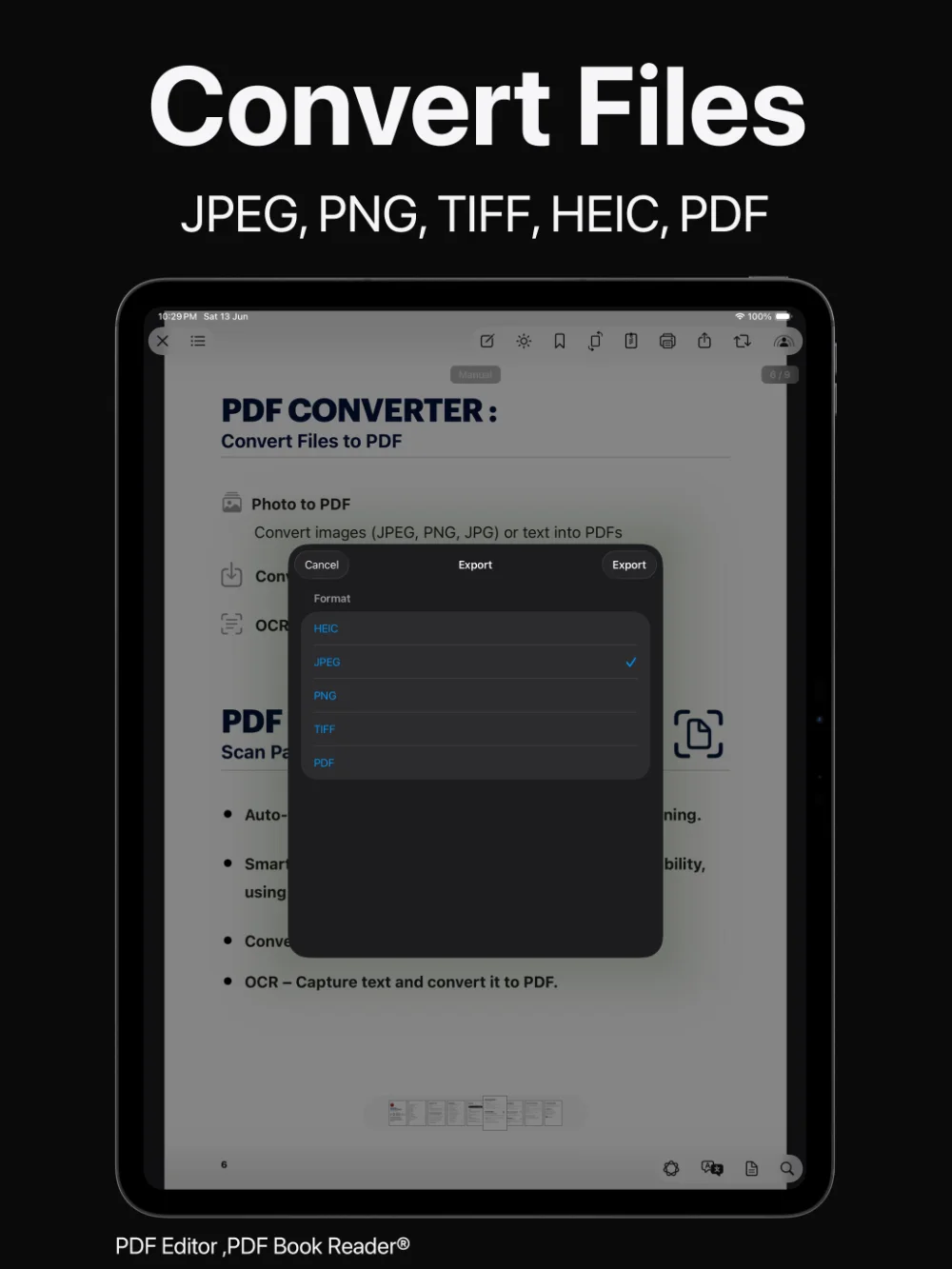
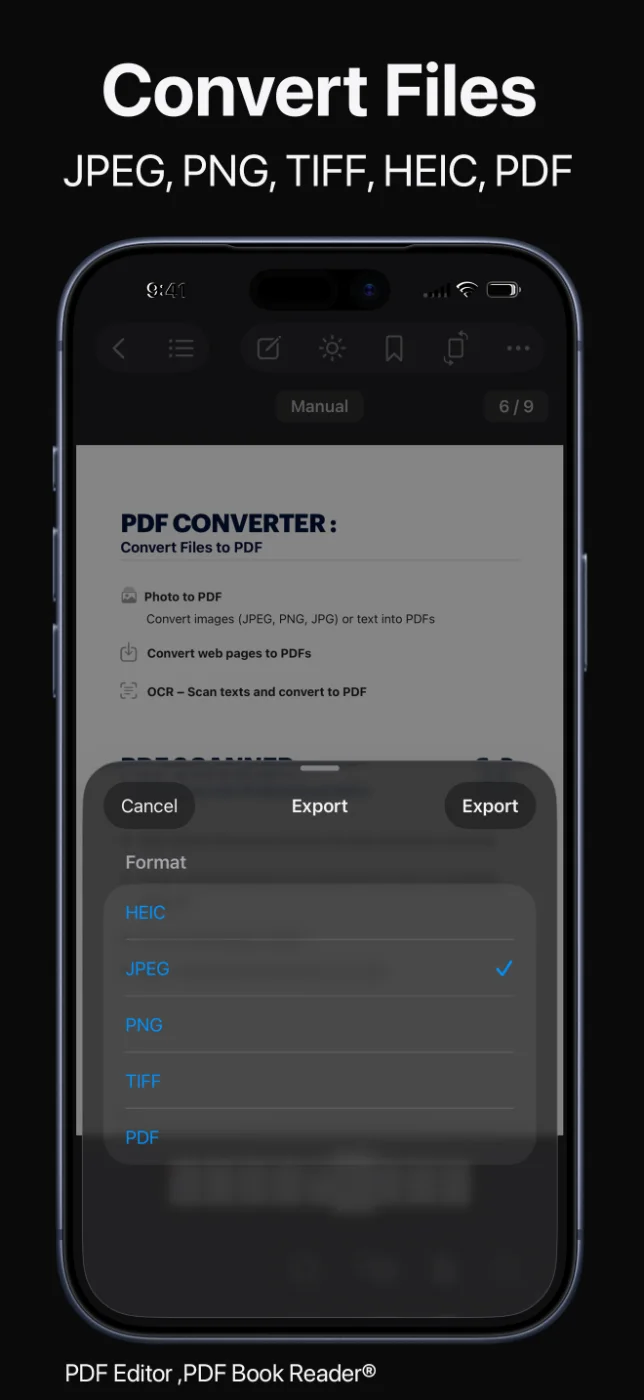
Export PDFs as HEIC, JPEG, PNG, or TIFF images for presentations, messages, or websites, or export as PDF again.
Share the results through AirDrop, Messages, Mail, and other apps.
The format you need, when you need it.
How it works
Select photos, images, or a web page, or open the PDF you want to convert.
Create a PDF, or choose Word (.docx), JPEG, PNG, HEIC, or TIFF for export.
Review the page order and orientation before you save.
Keep the file in your Library or share it with other apps.
Available tools can vary by device and app version.
FAQ
Quick answers about converting files to and from PDF in PDF Editor, PDF Book Reader®.
Yes. You can export a PDF as a Word document (.docx). Word export supports right-to-left languages.
Select your photos or images in PDF Editor, PDF Book Reader® and convert them to a PDF. The page order and orientation are kept.
Yes. You can convert web pages and web articles to PDF.
You can export to Word (.docx), HEIC, JPEG, PNG, TIFF, and PDF.
Yes. You can preview a PDF before you import it into your Library.
No. The App Store privacy label for PDF Editor, PDF Book Reader® is “Data Not Collected”, and no account is required. Your documents stay on your device, or in your own iCloud if you choose to sync them.
The app is free to download from the App Store and offers optional in-app purchases: monthly, quarterly, or yearly subscriptions, or a one-time Lifetime purchase. Some features may require a subscription or the Lifetime purchase, and one purchase unlocks the app across your Apple devices.
PDF Editor, PDF Book Reader®
Convert photos, images, and web pages to PDF, and export PDFs to Word and image formats.
