Book mode turns pages with a page curl, and in landscape you can see two facing pages side by side, just like an open book.
On iPhone Duo, two-page reading spreads across the unfolded inner display.

PDF Reader
Read PDFs and ebooks with a book mode that turns pages with a page curl, two facing pages in landscape, smooth high-resolution zoom, full-text search, and page translation — and pick up exactly where you left off.
On iPhone Duo, books open across both halves of the unfolded display.
Last updated November 2026.
Book mode
Book mode turns pages with a page curl, and in landscape you can see two facing pages side by side, just like an open book.
On iPhone Duo, two-page reading spreads across the unfolded inner display.
Made for books, manuals, and long documents.
Comfortable reading
Pages are displayed at high resolution, and you can zoom smoothly into text and images.
Dark Mode makes reading easier at night, and you can hide the toolbar with a tap to focus on the page. Thumbnails and a grid page overview help you jump anywhere in long documents.
The document comes first.
Search and translate
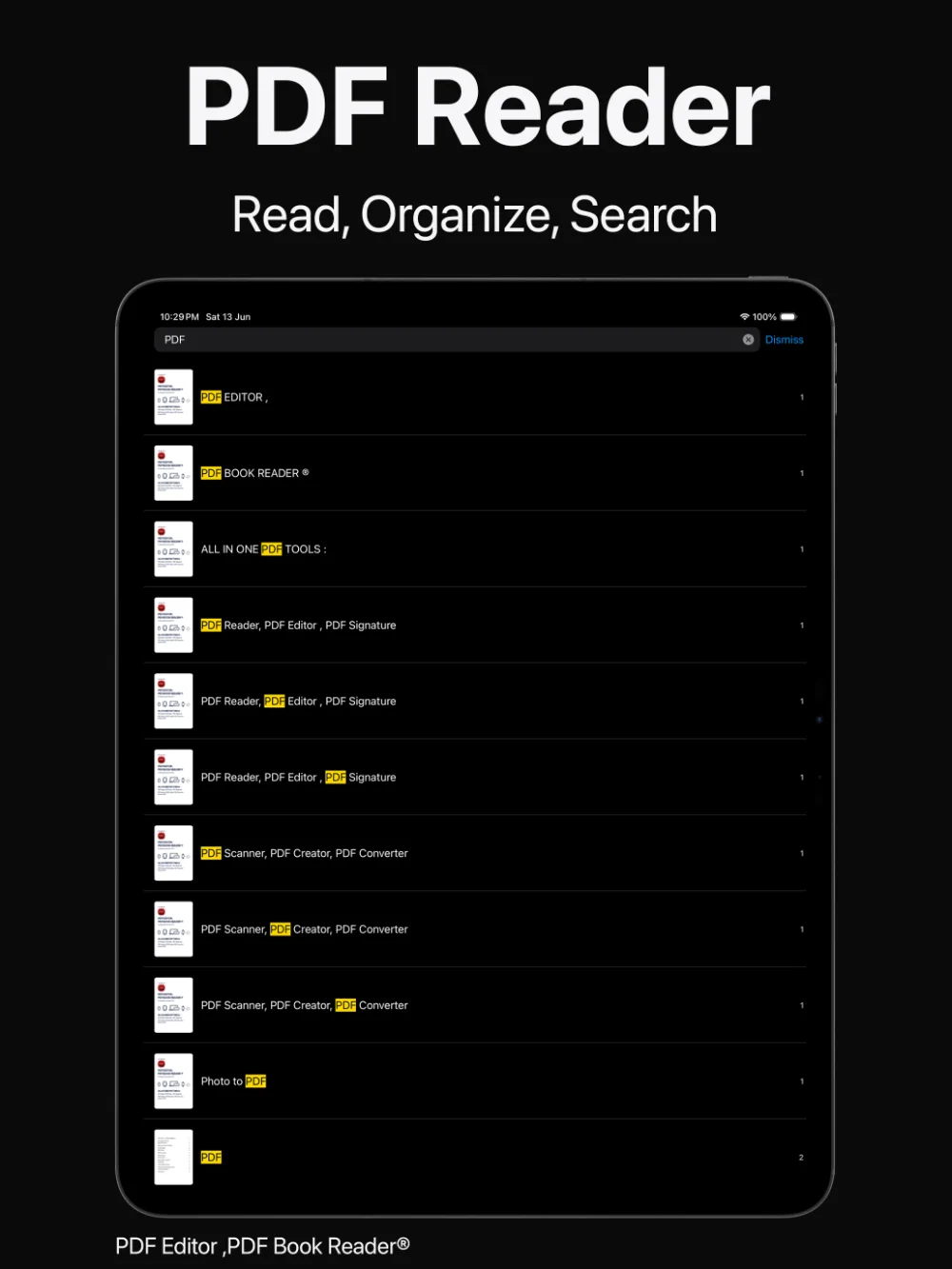
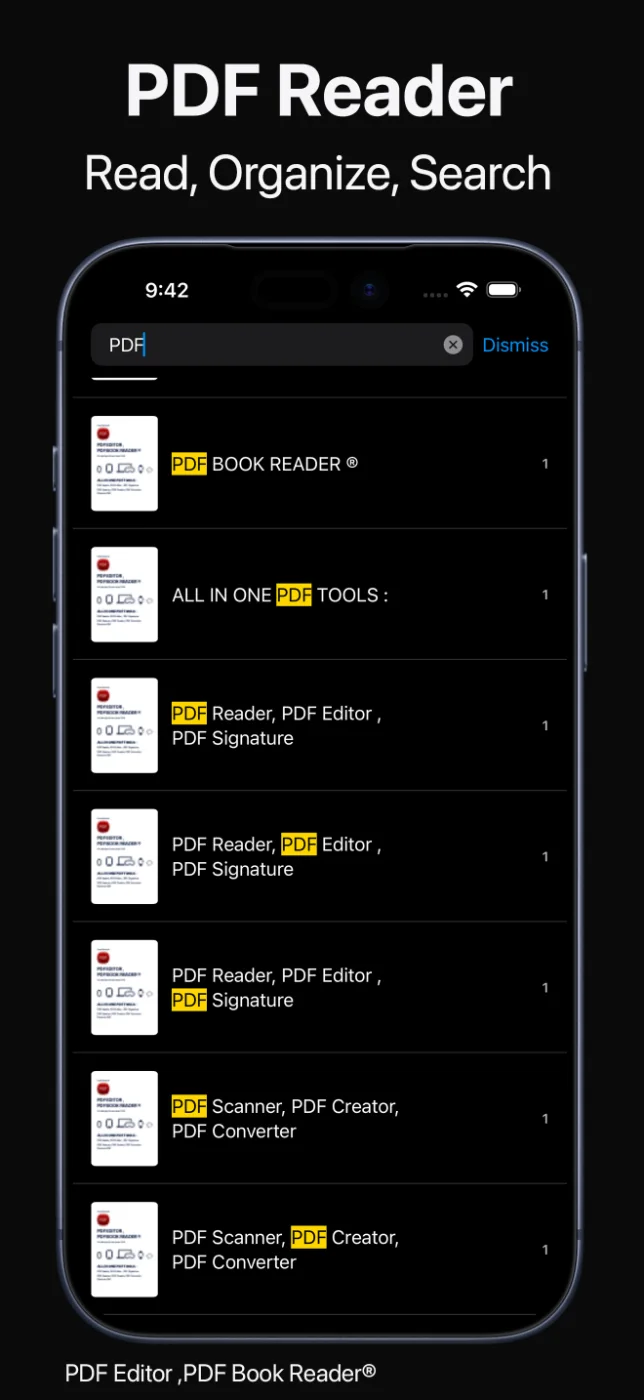
Search inside your PDFs and see every match highlighted on the page.
Translate the page you are reading with Apple Translate, or listen to it with Read Aloud.
Answers inside the document.
Pick up where you left off
The app remembers your reading position, bookmarks take you straight back to important pages, and notes stay linked to the pages they belong to.
The Continue Reading widget shows your current PDF and page, and a reading streak calendar widget keeps your reading habit in view.
Close the book. Open it again later.
How it works
Open a PDF or ebook from your Library, Files, or iCloud Drive.
Read page by page, in book mode with page curl, or with two facing pages.
Find text, translate the current page, or start Read Aloud.
Your position is saved, and the Continue Reading widget takes you back.
Available tools can vary by device and app version.
FAQ
Quick answers about reading PDFs and ebooks in PDF Editor, PDF Book Reader®.
Yes. Book mode turns pages with a page curl, and in landscape you can read two facing pages side by side.
Yes. Full-text search finds text in your PDFs and highlights the matching terms.
Yes. You can translate the current page with Apple Translate.
Yes. Your reading position is saved, and the Continue Reading widget shows your current PDF and page.
Yes. The app supports Dark Mode for more comfortable reading at night.
No. The App Store privacy label for PDF Editor, PDF Book Reader® is “Data Not Collected”, and no account is required. Your documents stay on your device, or in your own iCloud if you choose to sync them.
The app is free to download from the App Store and offers optional in-app purchases: monthly, quarterly, or yearly subscriptions, or a one-time Lifetime purchase. Some features may require a subscription or the Lifetime purchase, and one purchase unlocks the app across your Apple devices.
PDF Editor, PDF Book Reader®
Page curl, two-page layouts, search, translation, and your place always saved.
