Scan shopping receipts and order confirmations into clean PDFs and keep them organized for returns and warranties.
OCR makes amounts, store names, and dates searchable later.

Receipts, invoices & taxes
Create invoices, scan receipts, auto-label documents, and find any form when taxes are due. PDF Editor, PDF Book Reader® keeps your paperwork tidy, searchable, and in sync across your Apple devices.
Keep shopping receipts and order confirmations for returns and warranties, too.
Last updated November 2026.
Receipts
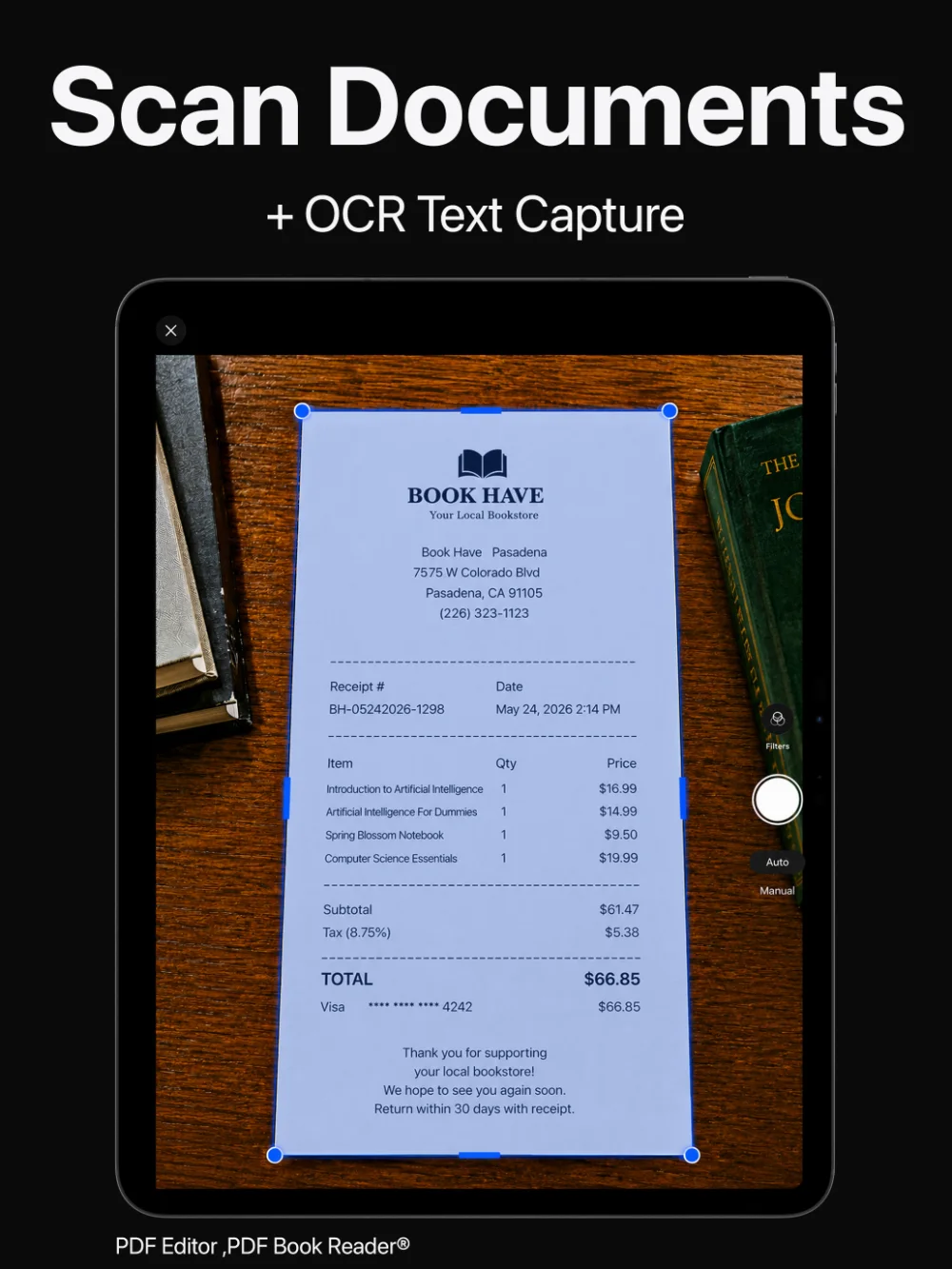
Scan shopping receipts and order confirmations into clean PDFs and keep them organized for returns and warranties.
OCR makes amounts, store names, and dates searchable later.
No more faded paper receipts.
Invoices
Create professional invoices and export them as PDFs to share, send, or print.
Store them next to the receipts and documents they relate to.
Billing, without extra software.
Auto-labeling
On supported devices, Apple Intelligence gives documents clear titles, suggests tags, and sorts PDFs into Smart Categories such as Receipts and Contracts.
When taxes are due, filter by tag or category, or search the text of every document.
Tax season, organized.
Sign and send
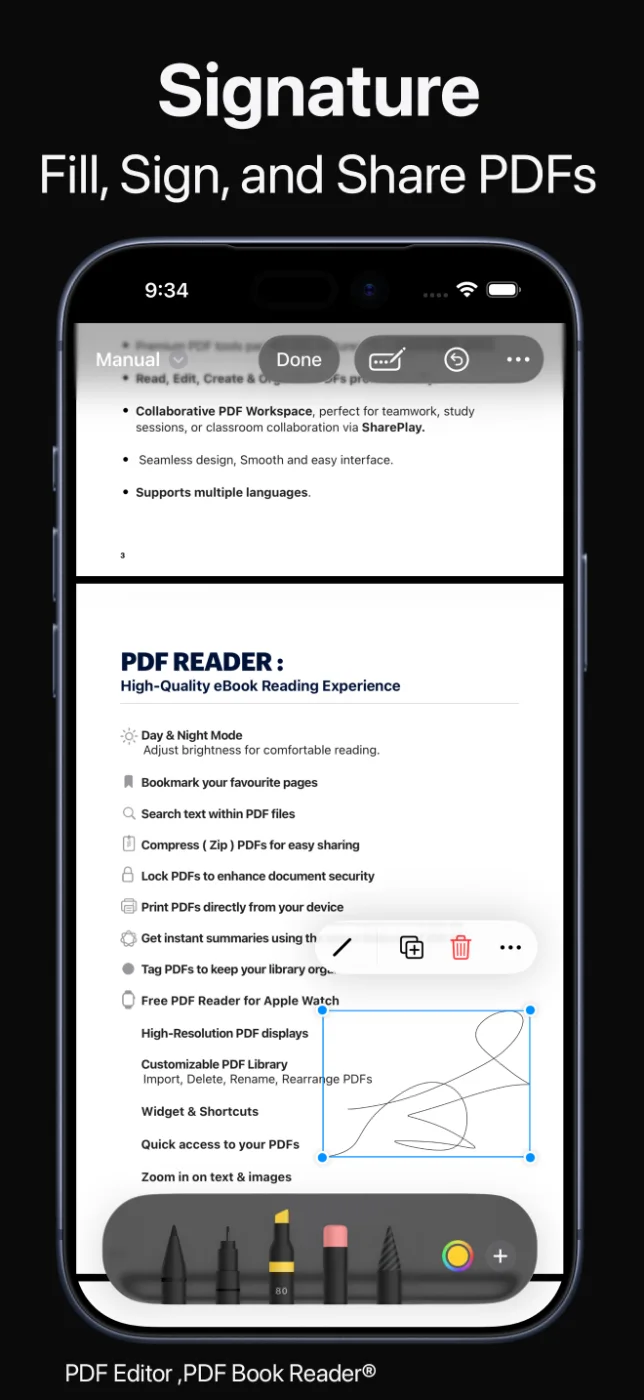
Fill in forms, add your signature, and share the finished PDF by Mail, Messages, or AirDrop.
Summaries help you check what a long document is about before you file it.
From paper to done.
How it works
Scan receipts and forms, or import PDFs you received.
Accept suggested titles, tags, and categories, or add your own.
Make invoices and export them as PDFs.
Search or filter to find any document when you need it.
Available tools can vary by device and app version.
FAQ
Quick answers about receipts, invoices, and tax documents in PDF Editor, PDF Book Reader®.
Yes. Scan receipts and order confirmations into clean PDFs; OCR makes their text searchable.
Yes. You can create professional invoices and export them as PDFs to share, send, or print.
Use tags and categories — or, on supported devices, Apple Intelligence auto-labeling and Smart Categories — then filter or search when taxes are due.
Yes. You can fill in PDF forms, sign them, and share the finished document.
No. The app helps you scan, organize, and find documents; it does not provide tax or financial advice.
No. The App Store privacy label for PDF Editor, PDF Book Reader® is “Data Not Collected”, and no account is required. Your documents stay on your device, or in your own iCloud if you choose to sync them.
The app is free to download from the App Store and offers optional in-app purchases: monthly, quarterly, or yearly subscriptions, or a one-time Lifetime purchase. Some features may require a subscription or the Lifetime purchase, and one purchase unlocks the app across your Apple devices.
PDF Editor, PDF Book Reader®
Scan, create, label, and find your receipts, invoices, and tax forms.
